Introduction
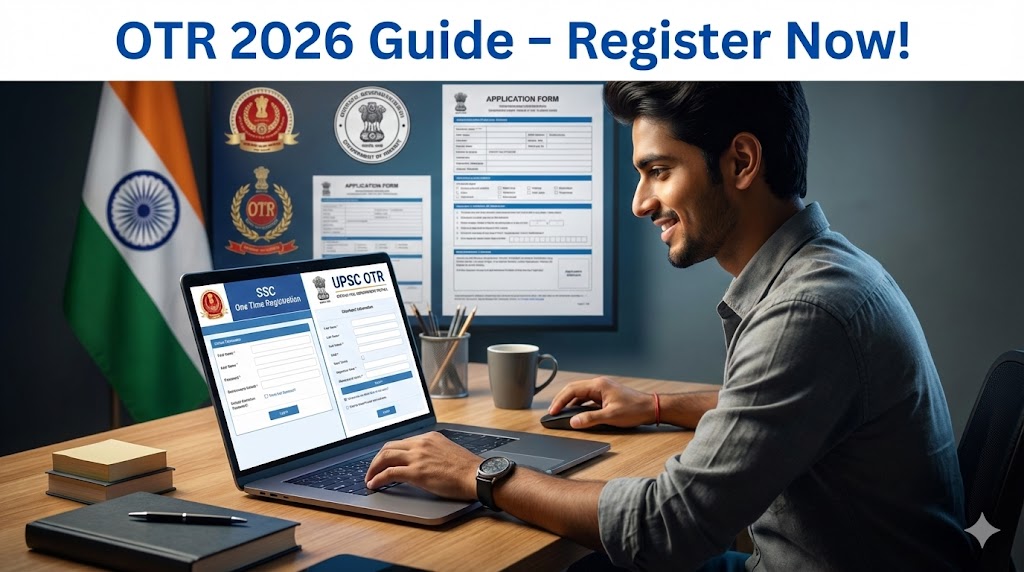
Dreaming of a stable government job? Whether you’re eyeing SSC exams like CGL or GD, or aiming for UPSC’s Civil Services, the first step is clear: complete your One Time Registration (OTR). This mandatory process saves you time and cuts down on repeated form-filling. In 2026, both commissions have made OTR non-negotiable – skip it, and you can’t apply. We’ll walk you through everything, from registration to application, so you stay ahead in your job hunt.
Overview of SSC & UPSC OTR 2026
| Aspect | SSC OTR | UPSC OTR |
|---|---|---|
| Full Form | Staff Selection Commission One Time Registration | Union Public Service Commission One Time Registration |
| Website | ssc.gov.in | upsconline.nic.in |
| Mandatory For | Exams like CGL, GD, CHSL, MTS | Exams like CSE, CDS, NDA, IFS |
| Key Benefit | Single profile for all SSC recruitments | Centralized data for all UPSC applications |
| Recent Update (2026) | OTR compulsory; Aadhaar-enabled for 2025-26 vacancies | New portal; old OTR invalid; one-time URN update live |
| Registration Window | Open year-round; must do before exam applications | Open; complete before specific exam notifications |
What is One Time Registration (OTR)?
OTR is a one-stop profile creation system. For SSC, it lets you apply to multiple exams without re-entering details. UPSC’s version builds a universal profile for seamless applications. Both aim to make things faster and error-free. Thousands of aspirants use it yearly – join them to avoid last-minute rushes.
Benefits of SSC & UPSC OTR
- Save time: Enter info once, use forever.
- Reduce errors: Auto-fill applications from your profile.
- Easy updates: SSC allows edits; UPSC offers one-time URN modifications.
- Mandatory now: No OTR, no exam entry in 2026.
- Secure: Linked to Aadhaar or IDs for verification.
Eligibility for OTR Registration
Anyone planning to appear for SSC or UPSC exams can register. No strict age or qualification checks at OTR stage – those come during exam applications. You need a valid email, mobile number, and ID proof. Indian citizens get priority, but check exam-specific rules later.
Documents Required for OTR
Gather these before starting:
- Valid mobile number and email ID.
- Aadhaar number (preferred) or alternatives like PAN, Voter ID, Passport, Driving License.
- Scanned passport-size photo (JPEG, 20-50 KB for SSC; specific guidelines for UPSC).
- Scanned signature (JPEG, 10-20 KB).
- Date of birth proof (matriculation certificate).
- For UPSC: Education details, parental info, and ID proofs.
Pro tip: Use a recent photo – old ones might cause rejection.
Step-by-Step Guide: How to Register for SSC OTR
Follow these steps on ssc.gov.in:
- Visit the official website and click “Register Now” under the login section.
- Enter basic details: Mobile number, email, Aadhaar or other ID, name, father’s/mother’s name, DOB, gender, and address.
- Verify via OTP sent to mobile and email.
- Create a password and upload photo/signature.
- Fill additional info like education and submit. You’ll get a registration number – note it down!
- Log in anytime to edit (limited fields) or apply for exams.
Registration is free and takes 10-15 minutes. Do it early for 2026 exams like SSC GD (applications open till Dec 31, 2025, but OTR first).
Step-by-Step Guide: How to Register for UPSC OTR
UPSC’s new 2026 portal is different – old profiles won’t work. Head to upsconline.nic.in:
- Click “Account Creation” on the homepage.
- Enter mobile/email for OTP verification and set a password.
- Fill Universal Registration profiles in order: Identity (name, DOB, parents’ names), Address, Photo/Signature (live capture option), Education, Documents upload.
- Generate Universal Registration Number (URN) – this is your key.
- Proceed to Common Application Form (CAF) for general details.
- For exams, select from the Examination module when notified (e.g., CSE 2026 window: Feb 4-24).
Use a PC/laptop for uploads. One-time URN update is live – fix errors now.
How to Apply for Exams After OTR
Once registered:
- Log in to your profile.
- Select the exam notification (e.g., SSC CGL or UPSC CSE).
- Auto-fill details from OTR.
- Pay fees (SSC: Rs 100 for general; UPSC: Rs 100-200, exemptions for SC/ST/women).
- Upload any exam-specific docs and submit.
- Download confirmation – you’re set!
For SSC, no age/fee at OTR, but exams have limits (e.g., CGL: 18-32 years). UPSC CSE: 21-32 years, with relaxations.
Selection Process After Application
OTR is just the start. SSC involves tiers (prelims, mains, skill tests). UPSC: Prelims, Mains, Interview. Prep hard – success rates are low, but persistence pays.
Important Links
- [Link to SSC Official Website for OTR]
- [Link to UPSC Official Website for OTR]
- [Link to SSC GD 2026 Notification]
- [Link to UPSC CSE 2026 Notification]
- [Link to Download UPSC Profile Template]
FAQs
1. Is OTR free for SSC and UPSC?
Yes, registration is free. Fees apply only during exam applications.
2. Can I edit my OTR details later?
For SSC: Limited edits allowed. UPSC: One-time update for URN profile now available.
3. What if I forget my registration number?
Use “Forgot Password” with your mobile/email to recover.
4. Is Aadhaar mandatory?
Preferred, but alternatives like PAN or Voter ID work.
5. Do I need OTR for every exam?
No – one OTR covers all future exams under that commission.